232/365: Mosquito Repellent.

Editor's Note: The following is pulled from the journal that I kept while hiking the John Muir Trail this past month. I'll post each entry, each day, for the next few weeks.

July 20th, Day 2 of hiking. Felt remarkably decent this AM. Tasty oatmeal. Broke a tent pole. Hiked back up to the Half Dome spur trail, then beyond into new territory. Amount of people quickly dropped. Began slow, moderate ascent, but felt pretty tired with big pack, and slow. Had short nothing of a nap at lunch, then even slower and weaker. Dunked bandana when I could, crisp and cold water heavenly! Kept boots on all day, but foot not too bad. Toe feels strong.

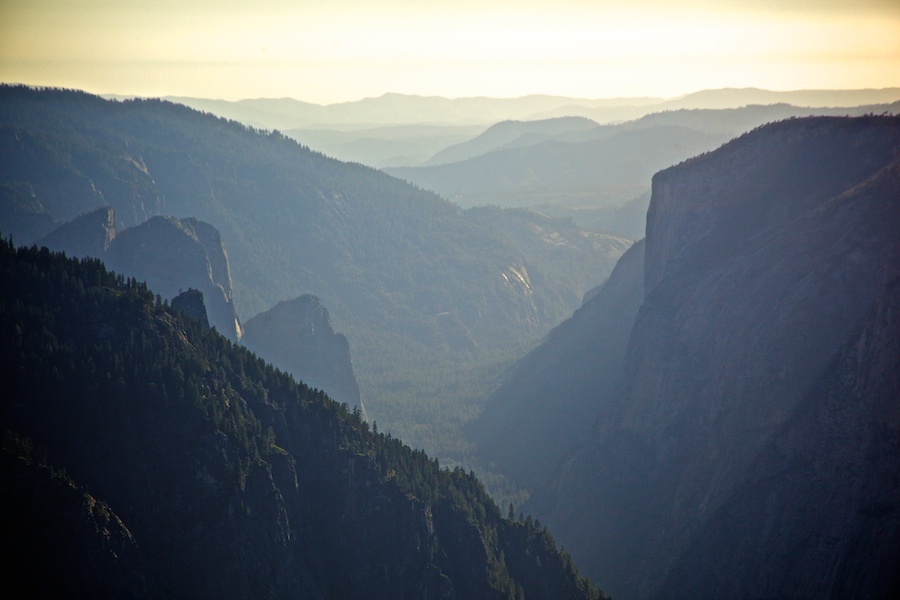
Hit steep section for last 2 miles or so, seemed longer. Very hot, slow, weak. Terrain amazing, better views as we ascended. Finally topped out and then dropped thru marshy meadows to finally a brook, where we found good camping with fire ring under a boulder. Had several hikers warn us of a bad bug stretch here, NO KIDDING. Worst mosquitoes I have ever encountered hiking, about as bad as the Mosquito Flats in Montana with Team D. Quickly suited up with long pants and rain jacket, assembled smoky fire, but still they attacked. Smoke helped. Rain jacket helped too, but left face as the vulnerable, exposed part. Sucked in a couple as I breathed. UNREAL. Went away as it got darker finally, allowing us to cook in peace. Rehydrated Tate's fruit leather tomato sauce, with cheese and pasta (and salami for me), and it was AMAZING! Such a good way to add wholesome ingredients to backpacking. Set up tripod and shot some stills of the great view nearby, then started timelapse of day/night transition. Then more night shots, stars, our camp. Shutter count at 1062 for first battery, and 26% or so. Good sign. Two days per battery will be perfect.

-llg

 Catherdral Range Panoramic. Click the Picture for a closer look.

 231/365: The Vernal Falls.

Editor's Note: The following is pulled from the journal that I kept while hiking the John Muir Trail this past month. I'll post each entry, each day, for the next few weeks.

July 19th, 2010.

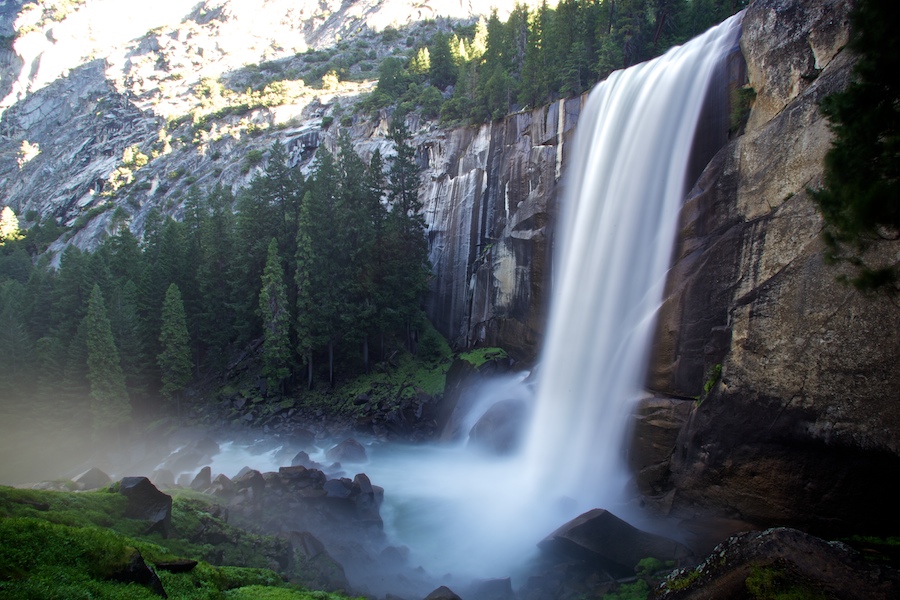
Day One. Didn't get caught by any rangers! [See yesterday's post] Didn't try for the super-early rise; decided to try to blend in with the crowd. Took the Mist Trail up to the 300 foot Vernal Falls, then Nevada Falls. Made Little Yosemite Valley camp by 11. Pitched tent, took a swim, lunch, then a nap. Around 3:30pm set off with fanny packs to summit Half Dome...

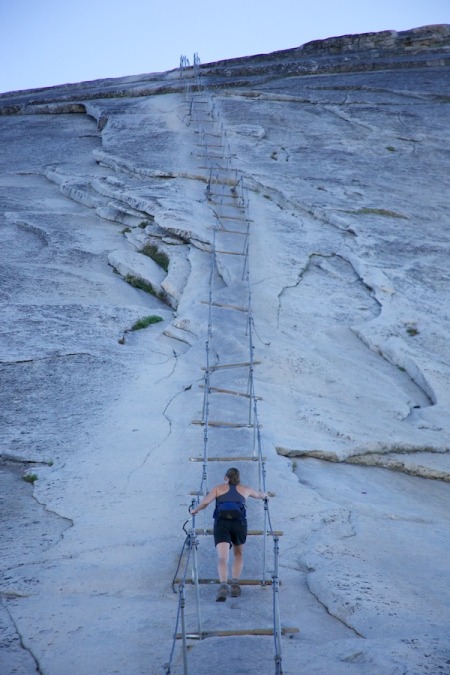
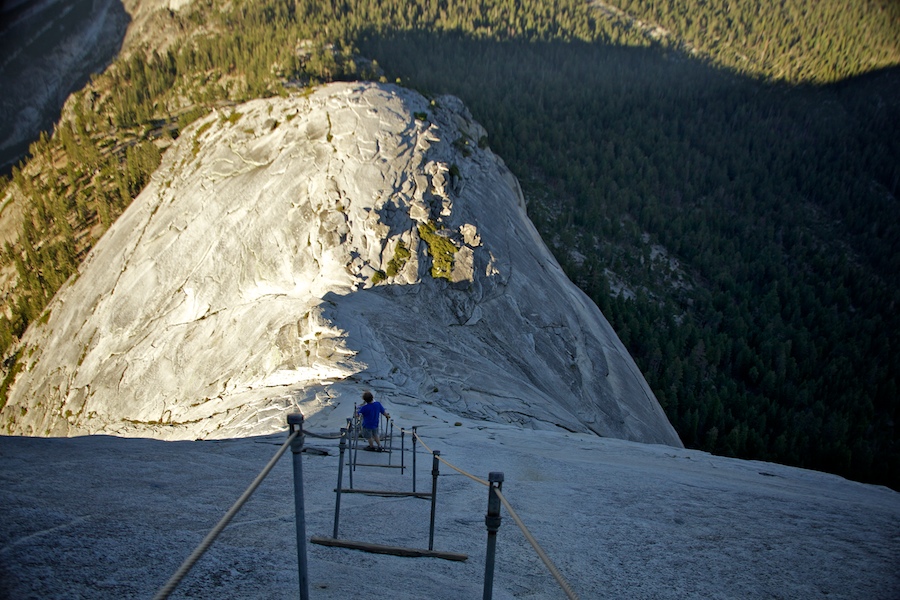
Even lightweight, I was feeling exhausted. SO slow. Altitude maybe. Out of shape, definitely. Just feeling beat. THEN, the CABLES. One of the sketchier things I have ever done, and I like that kind of stuff. Much more dangerous than Angel's Landing in Zion. Steep as all hell, slick from so many shoes sliding on the granite, easy to slide off to serious injury or death.


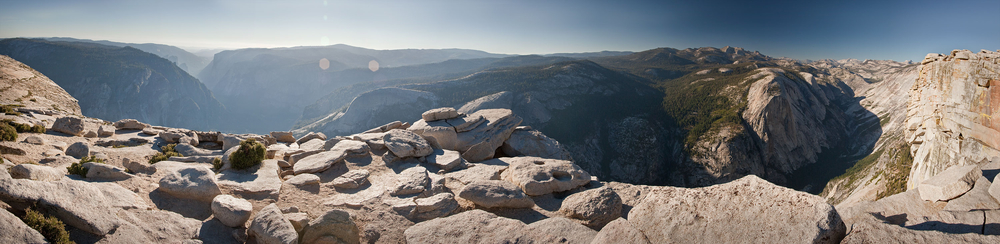
View from up top was nice, and I stuck my head over the face while laying on my stomach. After the sketchy feeling of imminent gravity and the sight from the top of the face looking down, I don't think I'll ever do a big wall climb. Always wanted to, and have been in just as much danger 30 ft off the ground on a few climbs, but the fear of the vast drop below was too great to seem possible. Hike back down was brutal but in the downhill kinda way. VERY tired, wondering how I'm going to do 8 miles tomorrow. Pack is STUPID heavy. We'll see.

Half Dome Summit, 180º Panoramic. Click the picture for a closer look, then click THAT picture for an even bigger one.

-llg

230/365: Over the Heartland.

Editor's Note: The following is pulled from the journal that I kept while hiking the John Muir Trail this past month. I'll post each entry, each day, for the next few weeks.

July 18th, 2010:

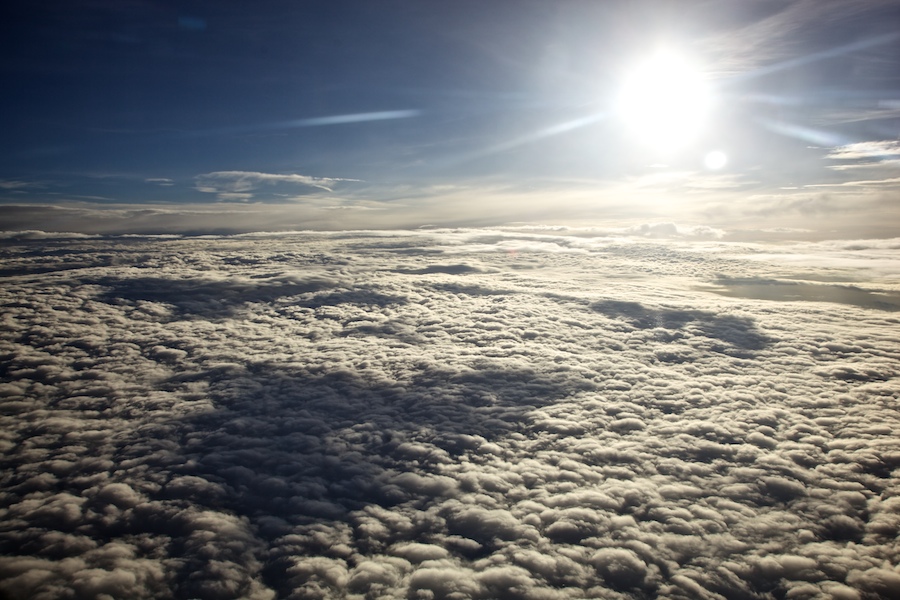
Flew hung over to San Fran yesterday. Night before got out of hand thanks to Sol and tequila shots. Threw up out of the car on the way to Tate and Roxanne's, after swallowing it twice in an attempt to keep it in. Horrible. Slept well on flights after throwing up on the side of Terminal A at RDU at 5:45 am. San Fran was gorgeous, weather perfect. Took BART to Rockridge to Blair's apartment. Good to see him, laid low and saw Argentinian film, "The Secret in their Eyes" at classy old theater in Berkley. Today took Amtrak to Merced, wonderful train ride. Then YART bus to Yosemite Valley, also a nicer ride than expected.

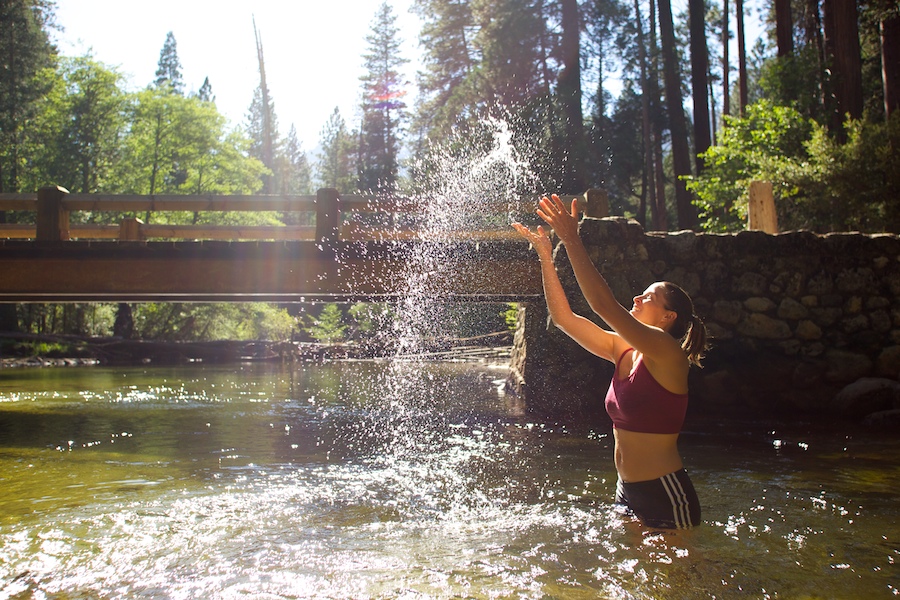
Picked up permits and various sundries and last burger for a while in the village area, then walked over to Backpacker's camp with a dip in the Merced River along the way, then another long dip after setting up camp. Was HOT in the sun, but the water was very cold, numbing and perfect. Great for the damaged foot.  [I may or may not have broken a toe at a pool party shortly before I left.] Not sure how it's going to feel; pack is very heavy, lots of that is food, but camera gear is substantial as well. Flat ground didn't feel great today...Will go slow and steady, try to keep positive, soak in glacial water at night, and hope for the best. Lots of Vitamin I too. Maybe will send back John Muir's Mountains of California and trail guide to lose some weight...

Our permit says we are supposed to set out from Glacier Point tomorrow, but logistics are stupid: $25 per person for a 2.5 hour shuttle, to hike 4 miles to join the JMT at a point only 2.8 miles from where we are currently camped...[the JMT officially starts at Happy Isles in Yosemite Valley, but some permits are issued that start the hikers at Glacier Point to limit overall traffic at the trailhead. Makes sense, except when you consider that there are over 500 day hikers headed up the Happy Isle trail already each day, who don't even need a permit to enter the wilderness at this trailhead.] Seems dumb, and a hassle, so we plan an early rise to get up the trail before first light. Hope we don't get caught by a ranger...

-llg

229/365: My Own Personal Brick.

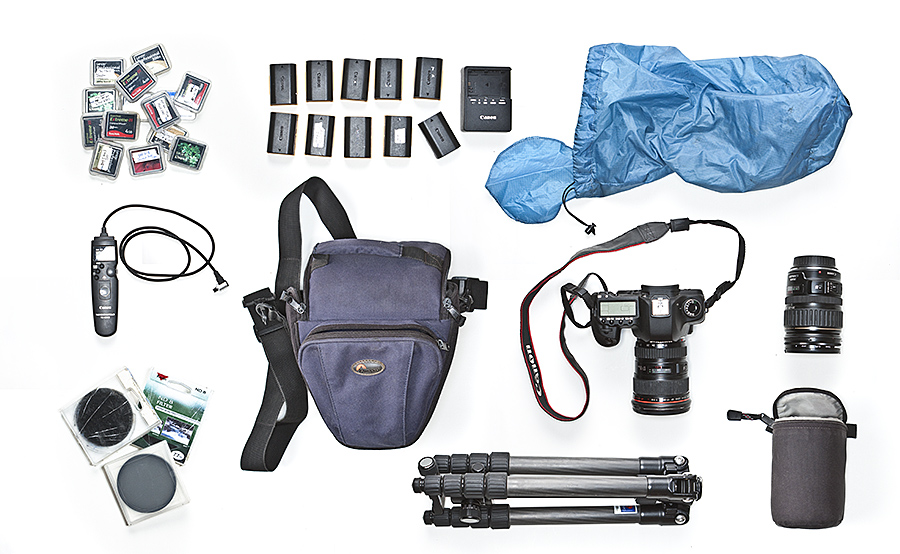
Well, I'm back from a month in California, three weeks of which were spent in the High Sierras hiking the John Muir Trail. Hope the plastic camera photographs haven't been too boring, I have some coming that have a bit more grandeur, at least in content. But first, let me introduce you to my brick, the 13 pounds of hiking gear that I may have cursed once or twice on a few 13,000 ft passes out there. Hit the jump for the full spread.

Standard travel kit: Canon 5D Mark2, 16-35mm lens, 28-135mm lens. Didn't plan on needing a longer lens, as the landscape is big and that's what I wanted to capture. In hindsight, I would have loved a 100mm Macro for all the wild flowers we hiked in everyday, but oh well.

I really wanted to capture both stills and long image sequences to be converted into timelapses. The timelapses presented some special challenges that I wouldn't have had to consider if I was just trying to shoot stills, a result of the considerable battery power and CF card space that timelapse requires. That, and the fact that I didn't expect any battery charging spots for 23 days, and I knew I wouldn't be able to dump the cards of their data until I was done and home. Using some rough estimates of overall raw footage vs. available card space, and expected shot count per battery, I figured I could do the whole thing with 10 batteries and all the cards I had available, plus two new 32GB CF cards, the cheapest, slowest ones (Kingston 133x) I could find, that I trusted. This brought me to 170GB in card space. The 5D Mark2 files really eat up some data, and I like to shoot RAW, but I knew the timelapses would have to be shot in JPEG mode to conserve space. Indeed, I began to exceed my 8GB daily ration, so I also shot a good deal of stills in JPEG mode until I was sure I would have enough to finish the trip with as we drew closer to Mt. Whitney, the southern terminus of the JMT.

Another factor that the timelapses added was the need for a stable tripod, and one that had some versatility in terms of height and positioning. Which means heavier. Found a decent light-weight set of sticks in the Benro Travel Angel: carbon fiber legs, included a decent ballhead, and it folds up in reverse into a short little unit. Though it wasn't a good heavy Manfrotto, it really worked well, especially if I hung a full water bottle from it's weight loop under the center column.

Add an intervalometer, some polarizers and multi-stop ND filters to slow water and cloud movement into silky blurs, plus a case for the camera and loose lens. I wore both cases up front on my pack for easy and constant access, though the camera tended to center itself on my waist belt right over my, uh, most American parts, so I called it my codpiece (or is that a merkin?).


Either way, the whole package made up about a quarter of my total pack weight without food or water, which sat around 43 lbs. The day I hiked out of a resupply location with 9 days of food in the pack was a slow day indeed.

In the end, I shot 13109 frames, a lot of that timelapse. I also was able to charge a couple batteries along the way, and had plenty of card space left for a week of California exploration afterward. For the next few weeks, I'll be sharing shots from the hike, along with my journal entries. I hope you enjoy. Good to be back.

-llg

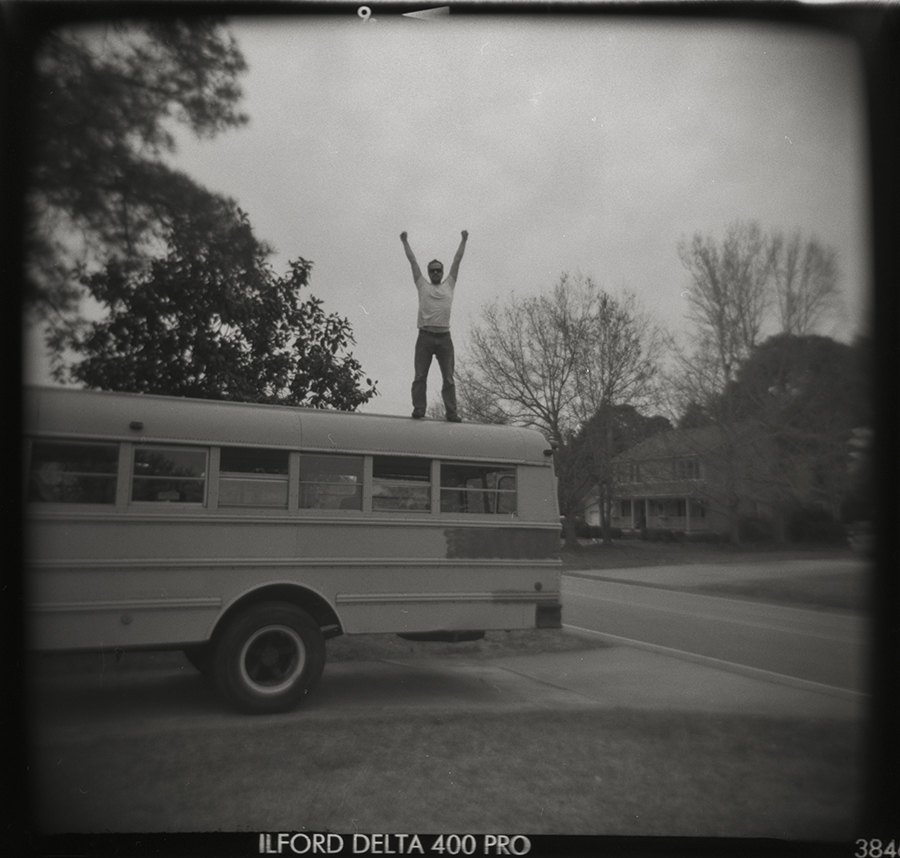
228/365: Back of the Bus.

This one was actually taken by my friend Weston. There's no self-timer on the Holga.

-llg

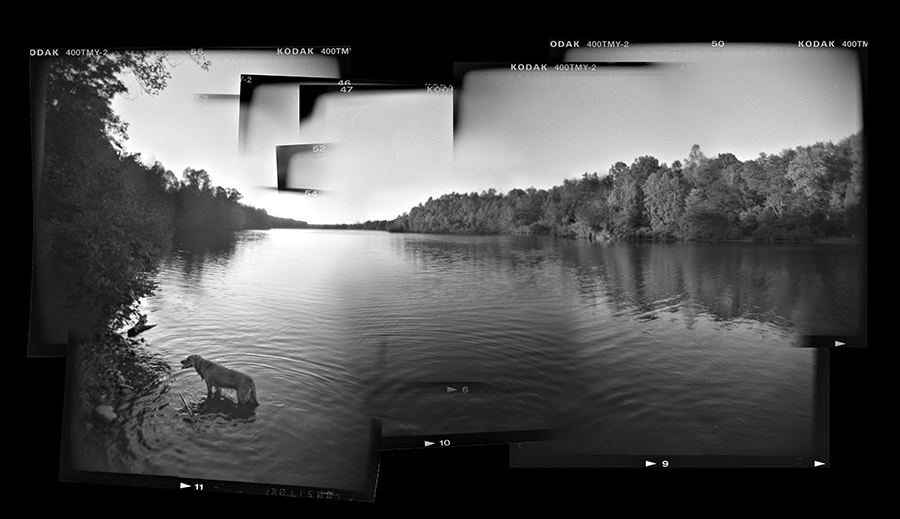
227/365: Rita's Lake.

Another assembled Holga Panoramic, as explained in yesterday's post.

-llg

226/365: Lake Michael, Holga Composite Panoramic.

I've shown you the classic, in-camera Holga panoramic. This is quite a bit different. I'd love to say I was original enough to come up with this, but alas, it's a direct rip-off of a technique used by Ted Orland. Not sure if he was the first to do it, or how he came up with the idea, but either way, I have to tip my hat to him, because it's so awesome.

How it's done: It's a lot like digital panoramic stitching. You shoot separate frames and then merge them digitally in Photoshop. Quite a bit more hands on, though, for a number of reasons. You still have to wind the film to a new frame before snapping the next picture, and I like to wind it fully, so there's no overlap in the exposures, and you get that sweet black border on all sides. Rotating a bit between shots, and maybe cocking the angle a bit for interest when the frames get put together. This shot is essentially made of an entire roll of film, 12 exposures. Scan in all the shots, then manually align them as best you can in Photoshop. There's an automatic panoramic function that I use for digital panos, but it will attempt to blend the images, which for this technique is best left to the artist, in my opinion. I tried the auto-align function with the auto-blend turned off, but the black borders confused the program too much, so I just went with the manual alignment. Once the shots were all aligned, I starting changing their stacking order and painting in various masks to create seamless transitions in some areas, but also leaving in the film frame in areas that call attention to the technique. I think this is the sweetest part about this method, and Orland really uses it to great effect, much better than mine here. This is where it really looks different from any other stitched panoramic, and becomes something so much cooler.

-llg

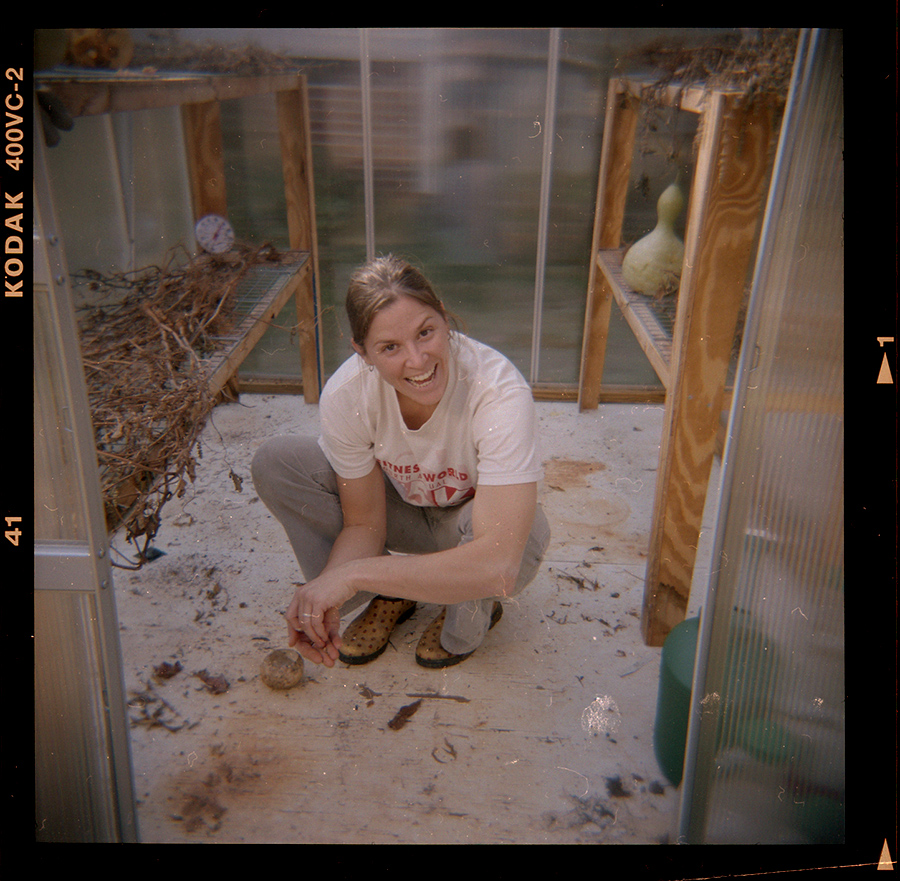
225/365: Greenhouse Girl.

Bri cleans the greenhouse up after a few weeks of garlic drying.

-llg

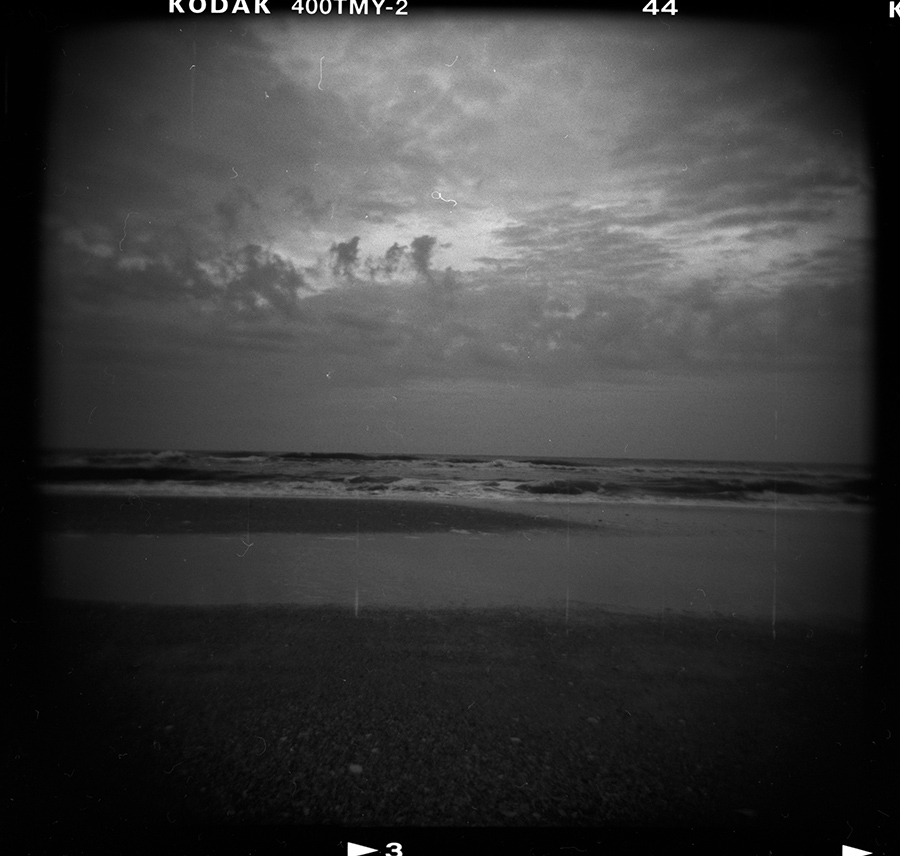
222/365: Wrightsville.

When scanning film, you tend to pick up a lot of hair and dirt and whatever else happens to make it onto the scanner. I leave off the 'scratch removal' function on the scanner and will go in and remove the dirt manually in photoshop, as the auto function will soften the image significantly. Sometimes I just leave it though, it only adds to the retroness of the plastic cameras. Oh yeah, and I'm lazy.

-llg

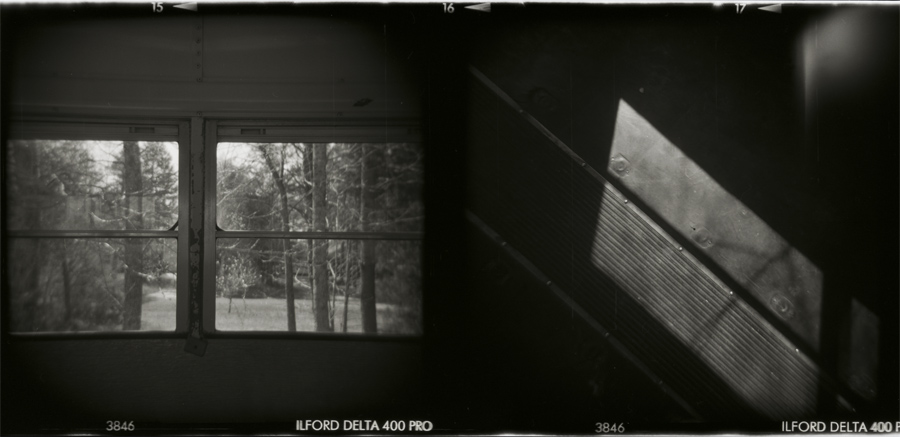
221/365: Rita Diptych.

One thing you don't get from digital photography is a nice long piece of film. Very physical, very concrete, compared to pixels, anyway. Because of the nature of plastic cameras (double exposures, panoramics, and lots of terrible frames), I only tell the lab to develop the film, and to leave it uncut. That way, I can cut the film myself, however I need, and then scan only the prints that seem worthy. The scanning often involves multiple images at once for speed's sake, but it also creates interesting combinations, pairs of images that go together.

-llg

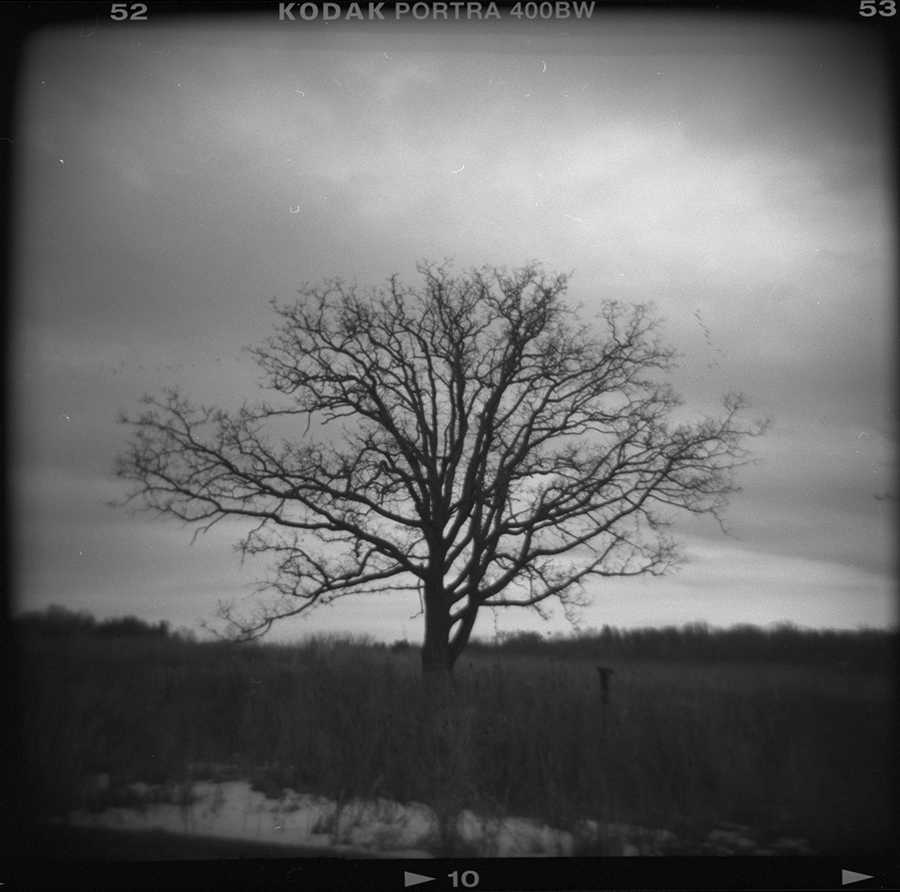
219/365: Marsh Tree.

I just noticed the flock of geese in the background of this shot. McHenry, Illinois, Christmas 2008.

-llg

218/365: Walmart.

This was two sequential exposures on the roll, but I like them paired like this better than laterally.

-llg

216/365: Fetch.

The shutter speed on the Holga is only about 1/100th of a second. Not that fast for moving subjects. You'll get some blur unless you use flash to stop the action. But control and plastic cameras aren't normally bedfellows, so roll with it.

-llg

215/365: Foggy Morning in Chapel Hill.

Another full frame 35mm shot from the Holga.

-llg

214/365: Orange Grove Church Road.

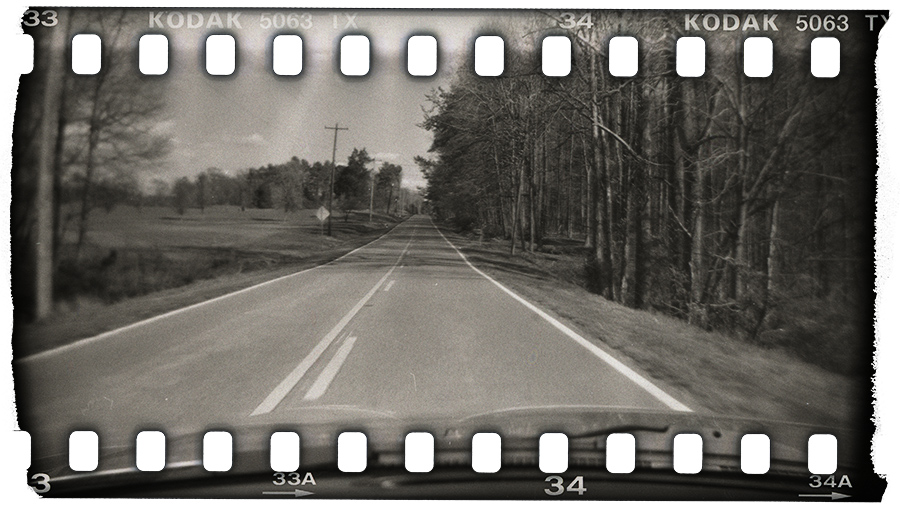
If you still aren't convinced of the awesomeness of the Holga and Diana, consider this: The image that the medium format lens projects will completely cover a piece of 35mm film... Using a couple of pieces of foam, you can center a roll of your standard 35mm in the Holga or Diana (might be easier in the Holga, haven't tried it in the Diana, but it's a bit flimsier at the bottom and could be hard to hold together until you get the back on). This creates strange exposures that cover the film surface past the rebates, the sprocket holes, clean past the edge. On the Holga, it takes about 34 clicks of the winder to advance to a new frame, or 1.5 revolutions of the dial. You must tape up the small window on the back with gaffer's tape, as 35mm doesn't have a paper backing like medium format film, and will be exposed thru the window if it leaks light. Consequently, when you finish the roll, you'll also need to take the whole rig into a pitch-black room to remove the back and then use a screwdriver to roll the film back into it's housing, all in the dark. May seem like a lot of work for you Digi-heads, but the results are a singularity in the photo world.

213/365: New York #3.

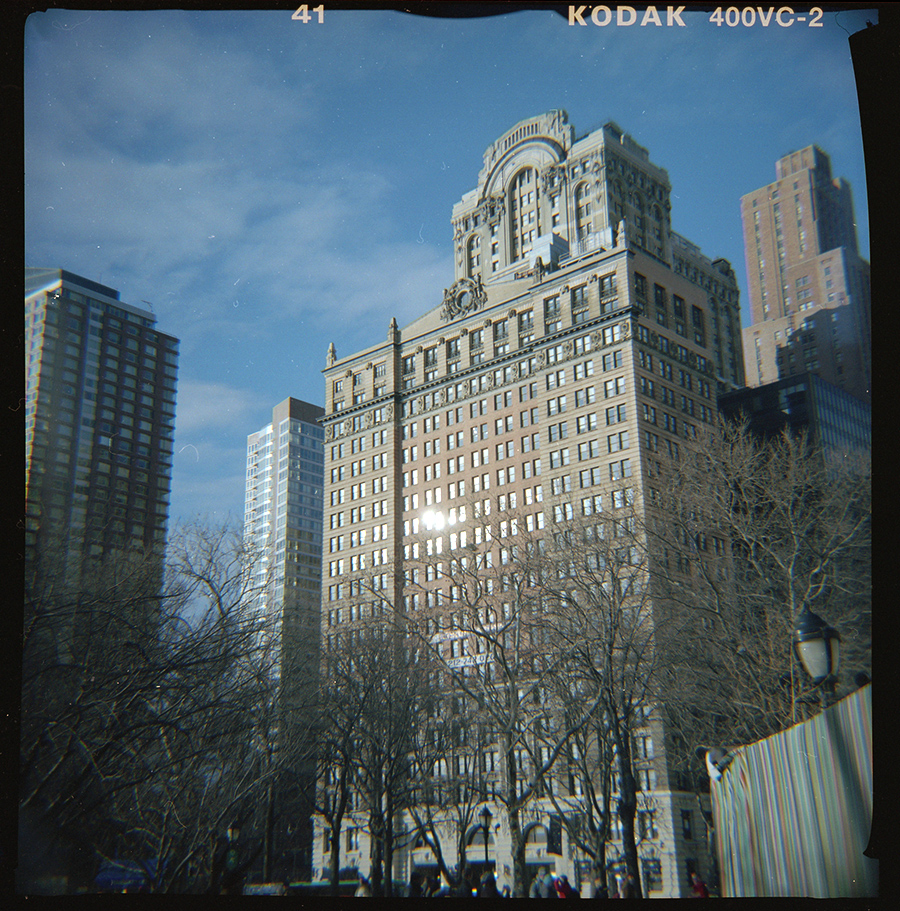
Shot in NYC sometime last February. Remember how I mentioned applying electric tape to the sharp egdes in the camera body to keep the film from scratching if you take out the matte? Well, if it starts to unpeel and curl up, you might get catch it's shadow in the exposure like on the right side of this shot...

-llg